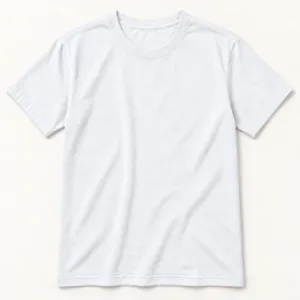
With custom printing you can order even 1 shirt, 2, 3 or 10 - any quantity, any design.
Your T-shirt, your design
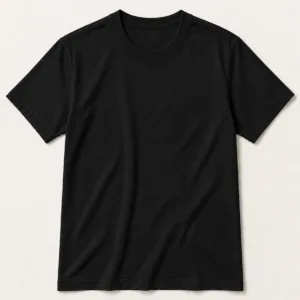
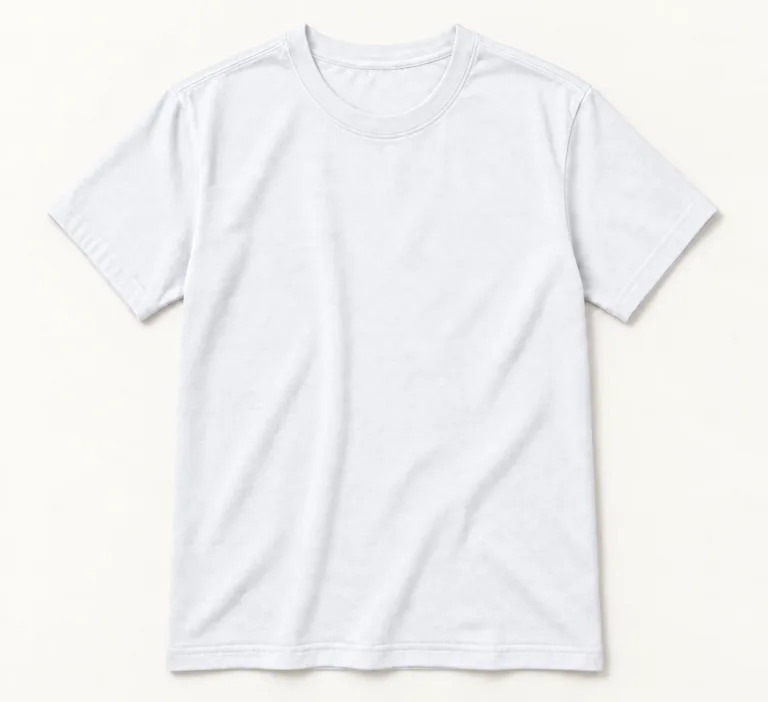
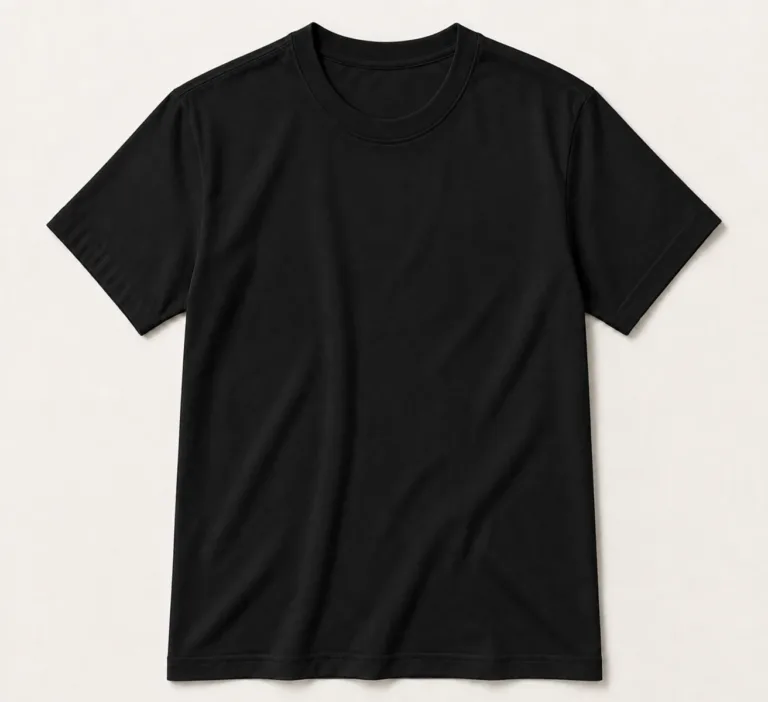
Start with a white or black cotton T-shirt, then add your photo or text.
Beer Sheva pickup: allow at least 4 business days for production.Delivery: about 5–7 business days after the order is ready.
Before the holidays, confirm your collection or delivery date before ordering.
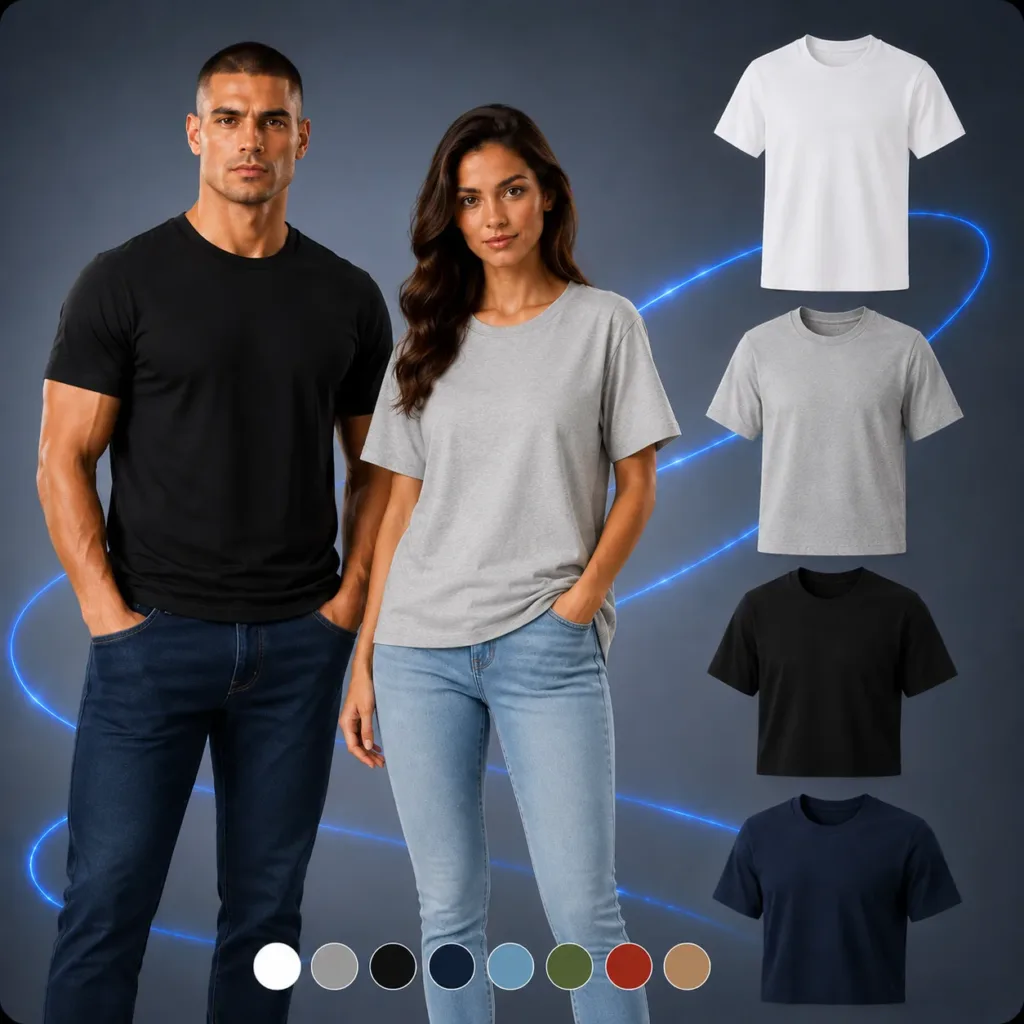
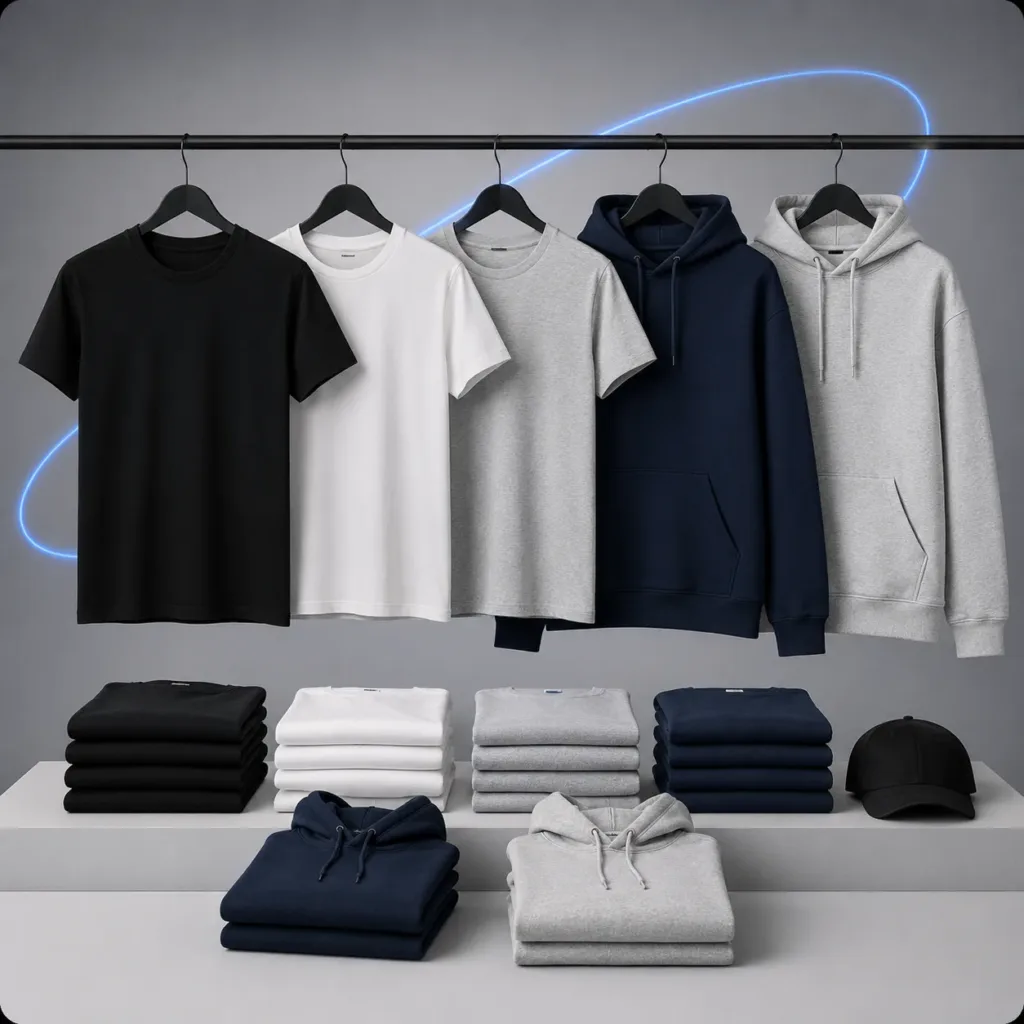
All colours and T-shirts
Product catalog ready for customization
Save the design before ordering
Pickup, delivery or locker
ARENA PRINT SYSTEM
Custom printing on T-shirts and products
Cotton and Dry-Fit T-shirts, hoodies and hats with your image, logo or text. Order T-shirts from one piece, or plan a group or business order. ARENA is based in Beer Sheva, with delivery across Israel and pickup.
T-shirt printing · Business printing · Group orders
Choose a product
Start from a category or product and choose a clear print configuration.
Customize the design
Upload a file, place it in the print area and save the design.
Confirm the order
Review quantities, sizes and summary before moving to cart and payment.
Receive the product
The order moves to production, then delivery, pickup or locker according to your choice.
Ordering for a group, team or class?
Order shirts, hoodies and hats with different sizes, names, numbers and a separate payment option for each participant.
5–10 T-shirts for family and friends
For a birthday, family gathering or friends: choose a T-shirt, add your photo or text, then select sizes.
5 T-shirts55.00 ₪per T-shirt
Total 275.00 ₪
7 T-shirts49.00 ₪per T-shirt
Total 343.00 ₪
10 T-shirts42.00 ₪per T-shirt
Total 420.00 ₪
Prices apply to this cotton model with a shared design and front print. Extra print areas or different designs may cost extra. The final price is shown before payment.
Choose a product and continue to design
Fast entry points into a focused order flow: product, design, save and add to cart.
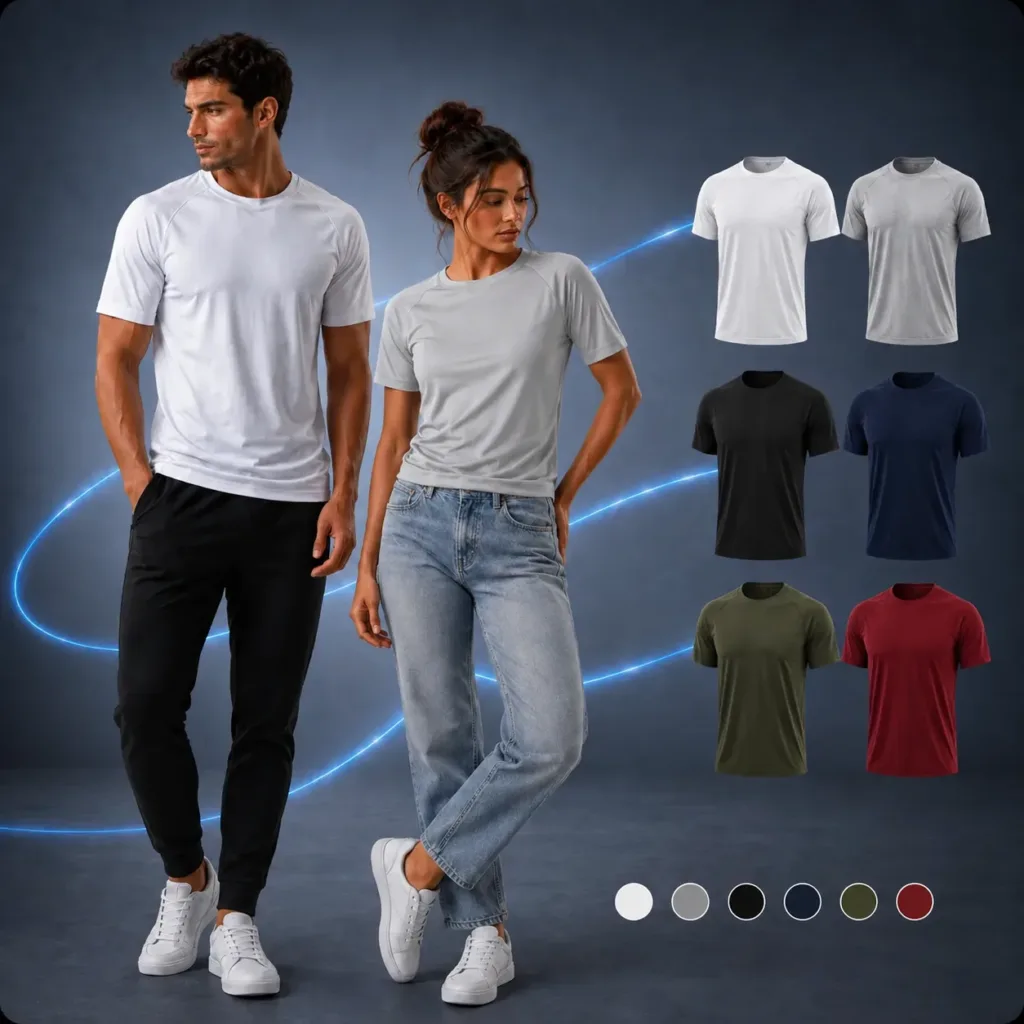
Cotton T-shirts
Dry-fit shirts
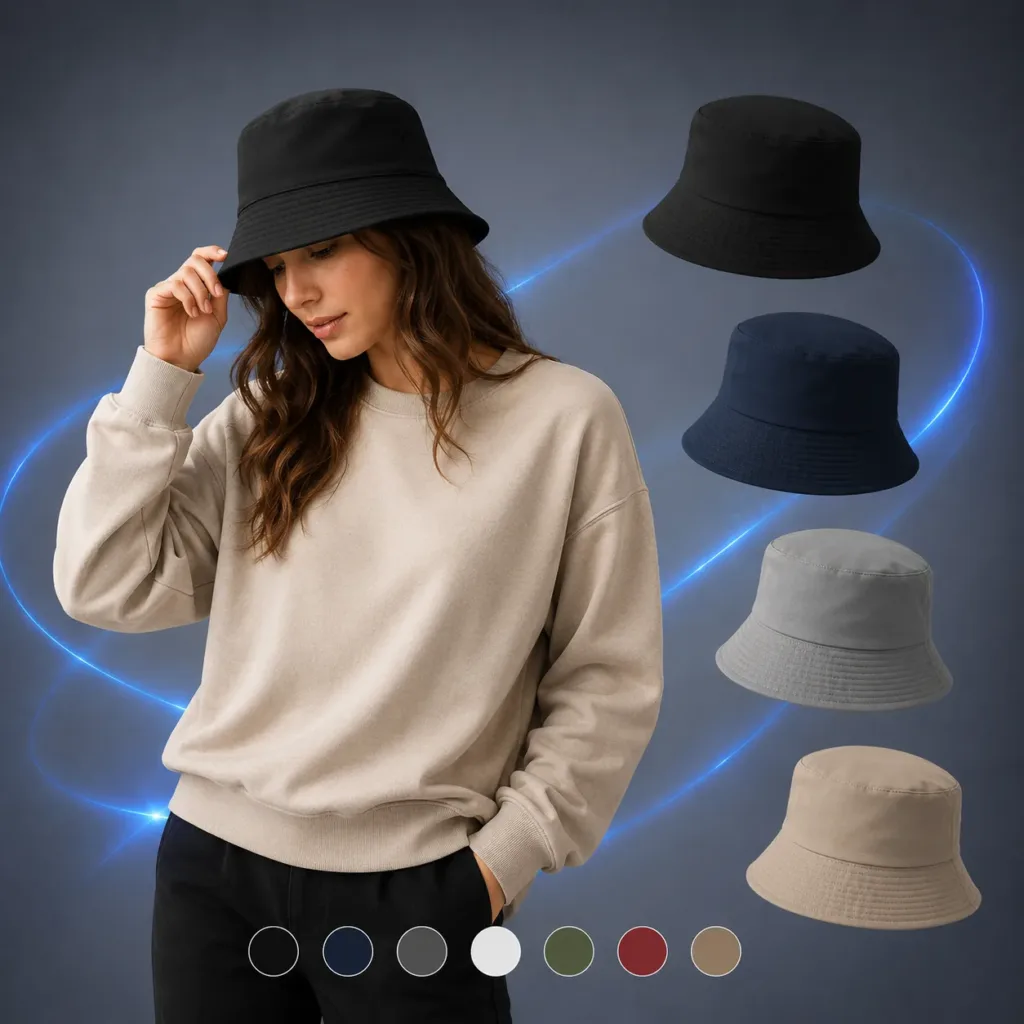
Bucket hats
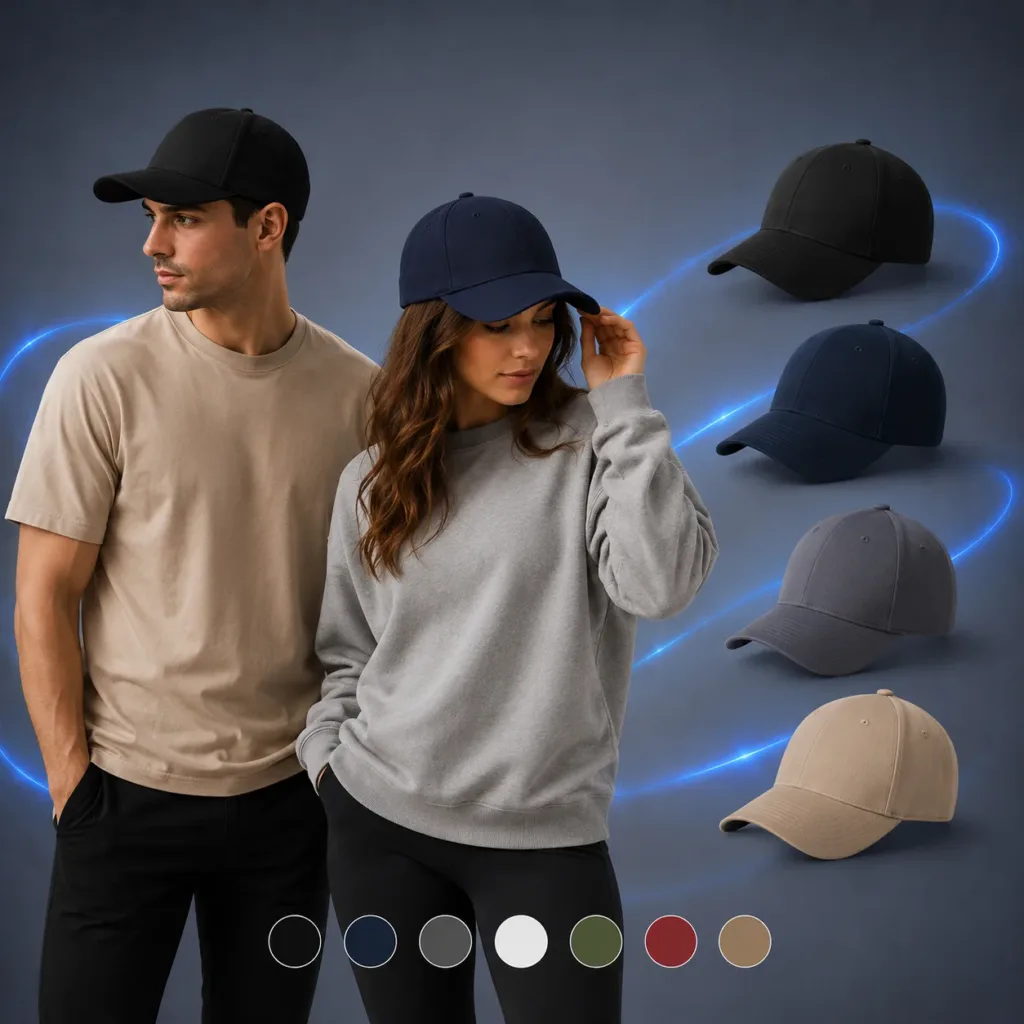
Caps
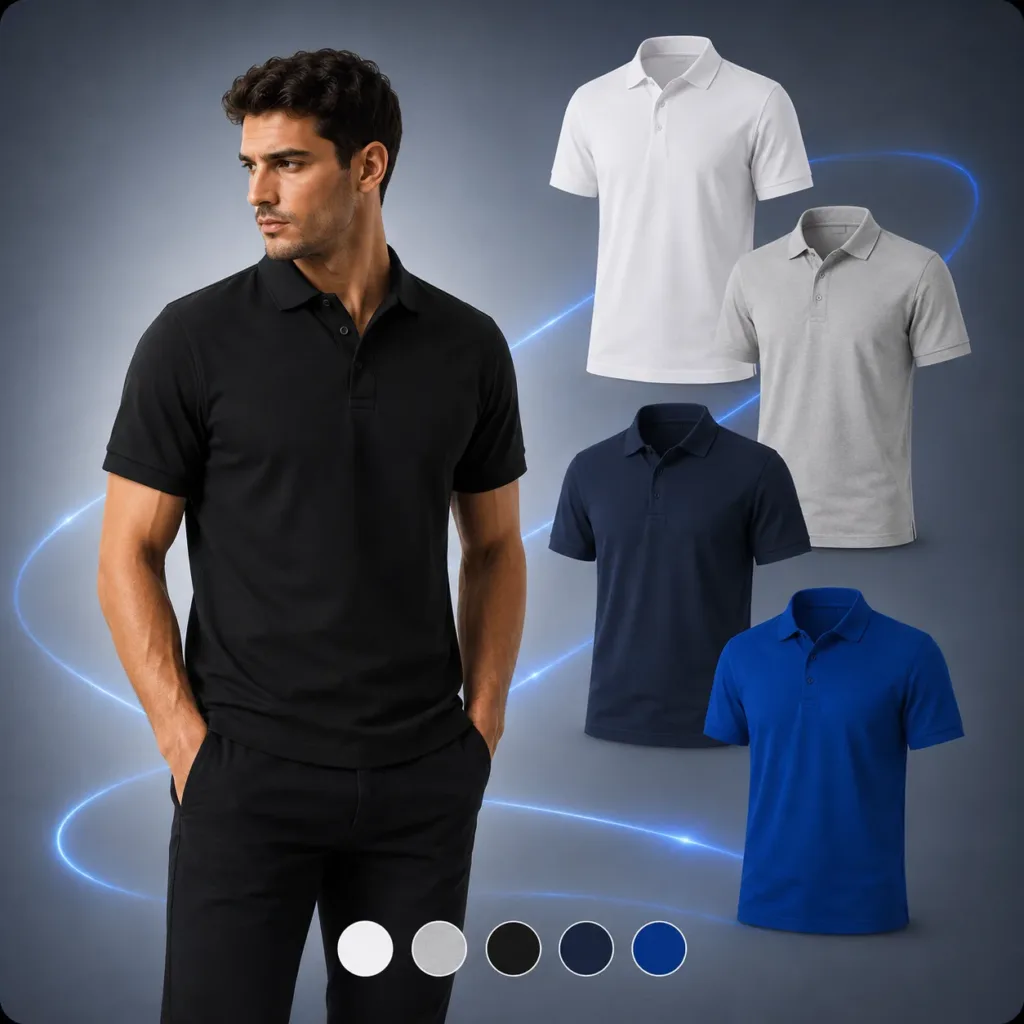
Polo shirts
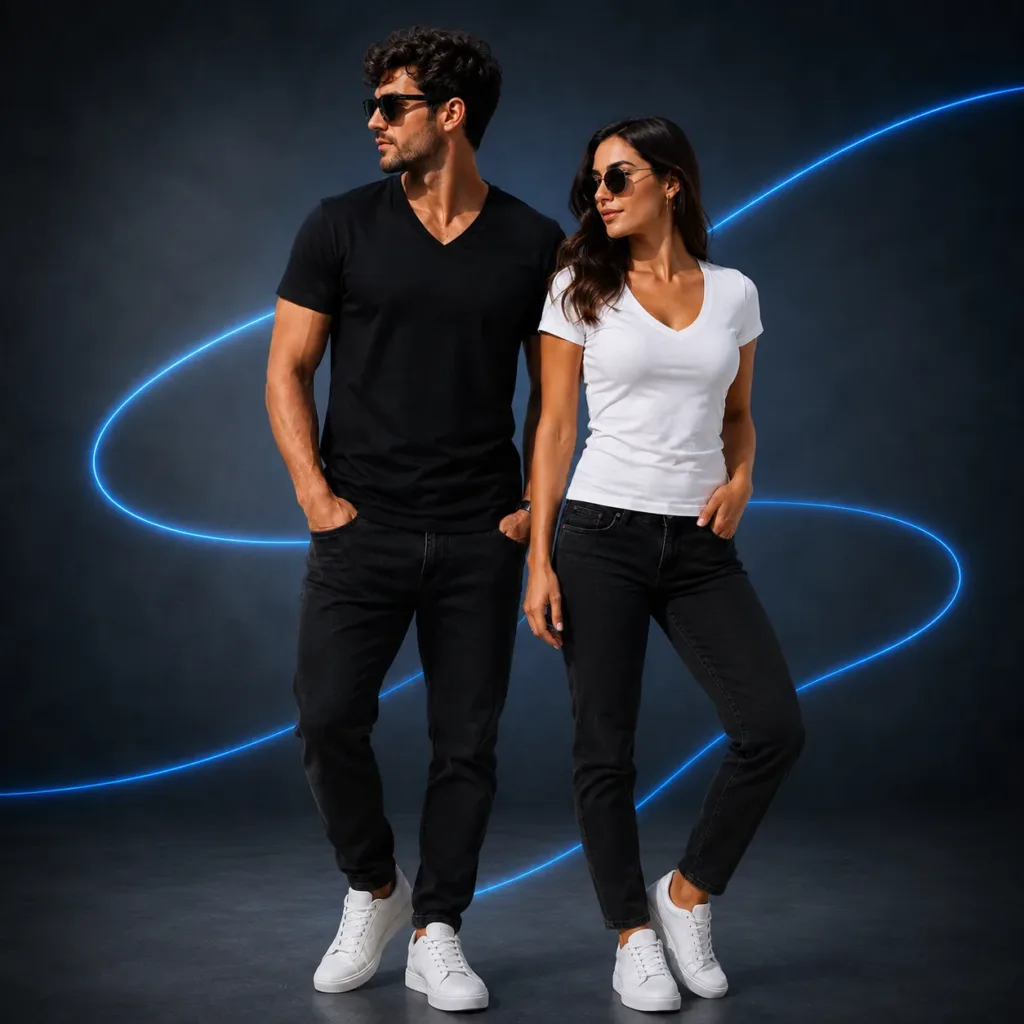
V-neck cotton T-shirt
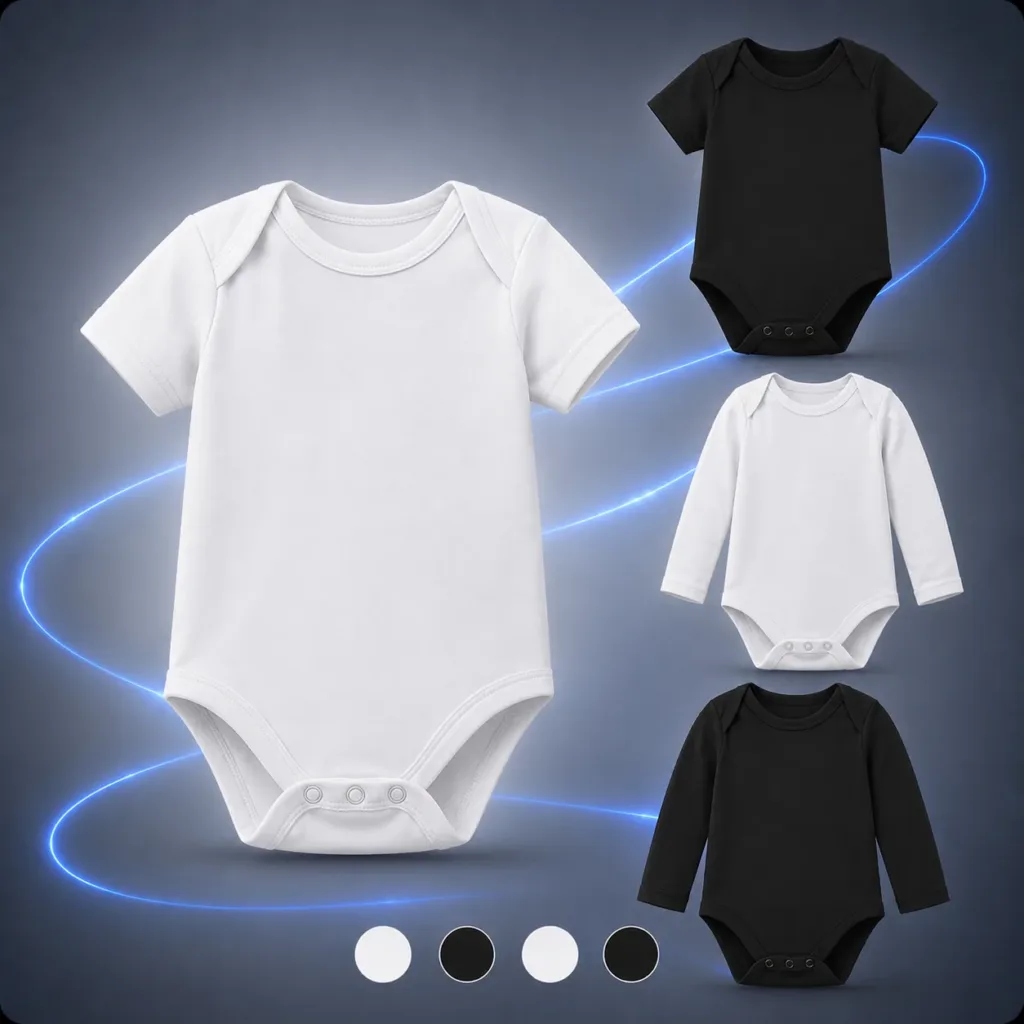
Baby clothing
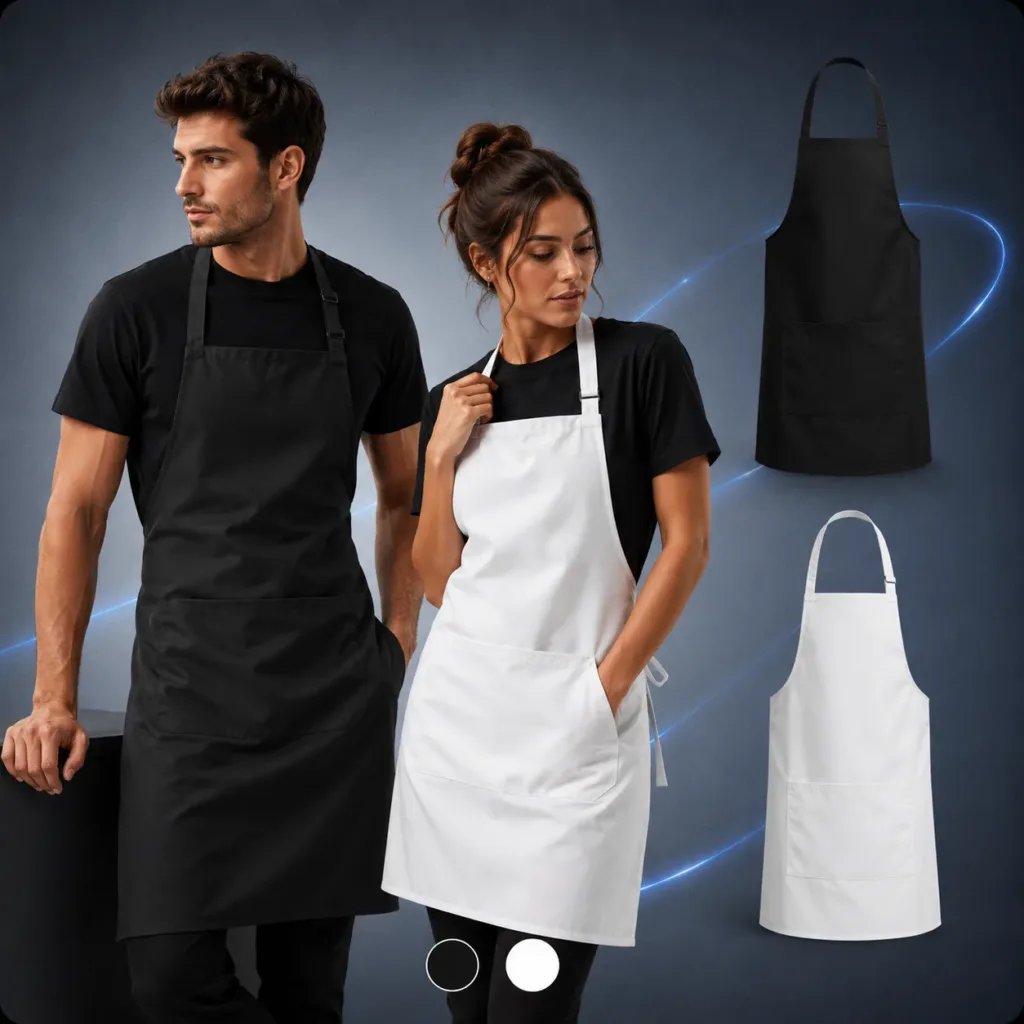
Aprons
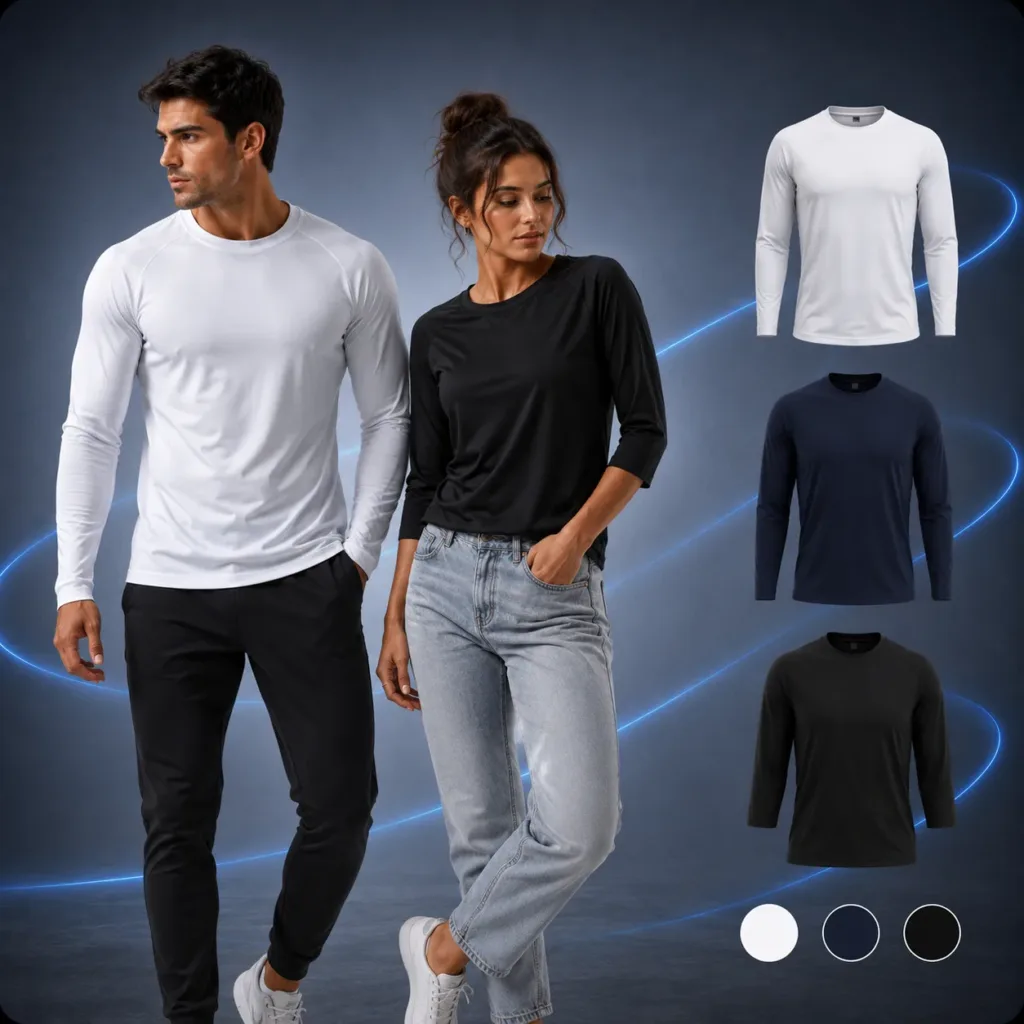
Long-sleeve shirts
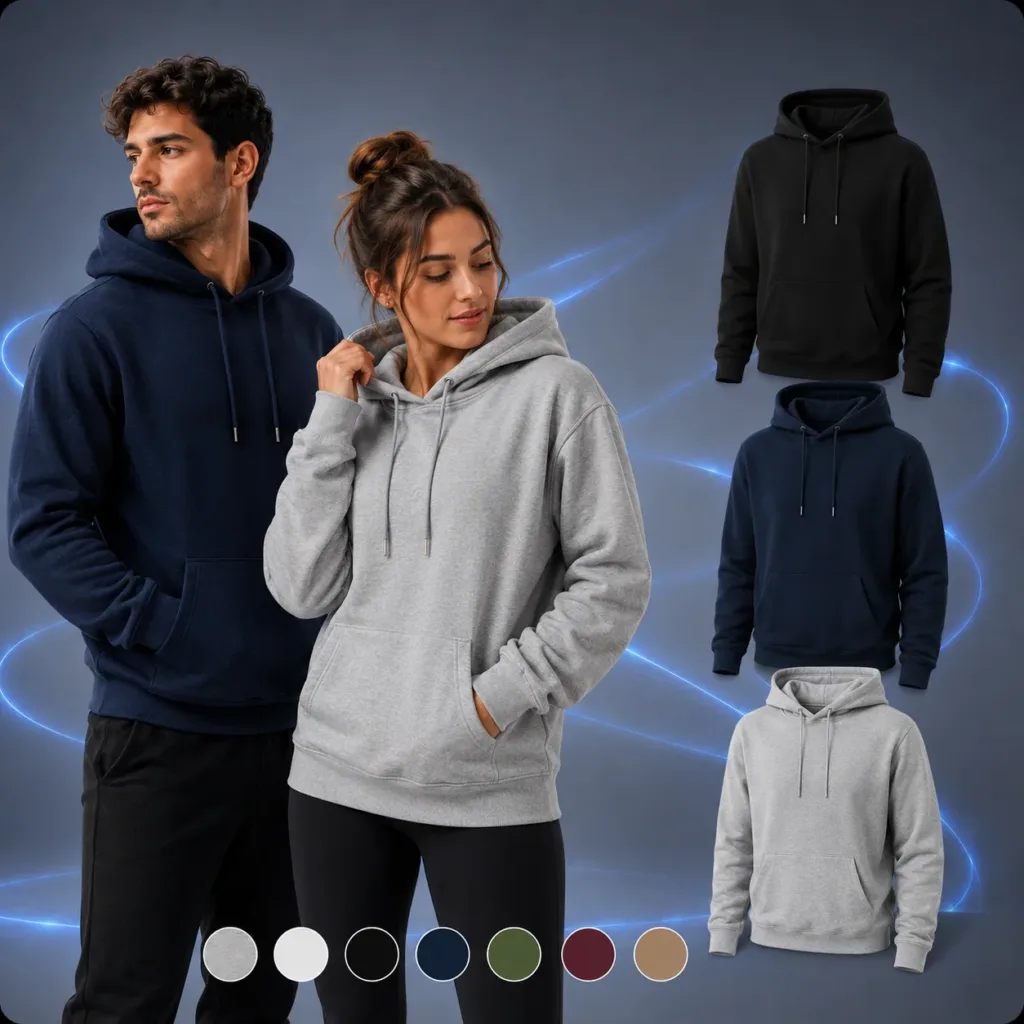
Kangaroo hoodies
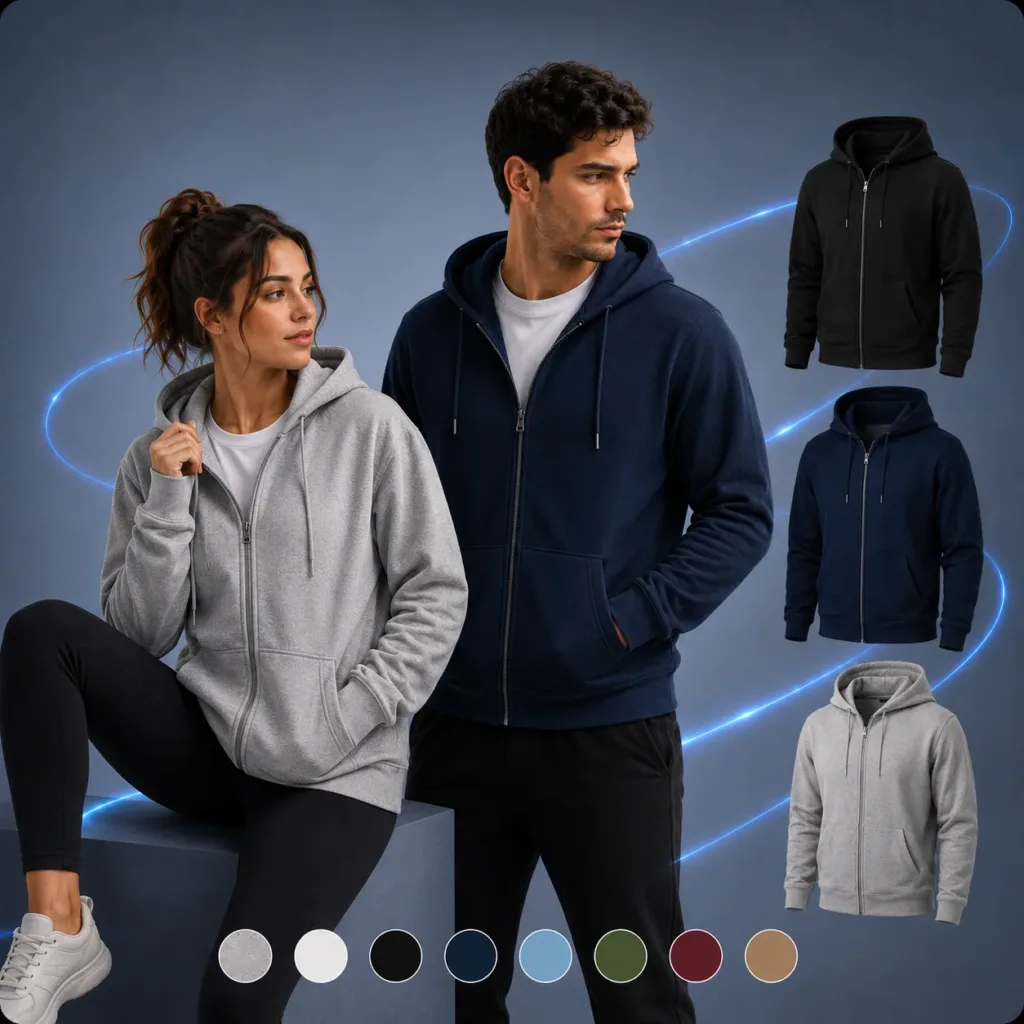
Zip hoodies
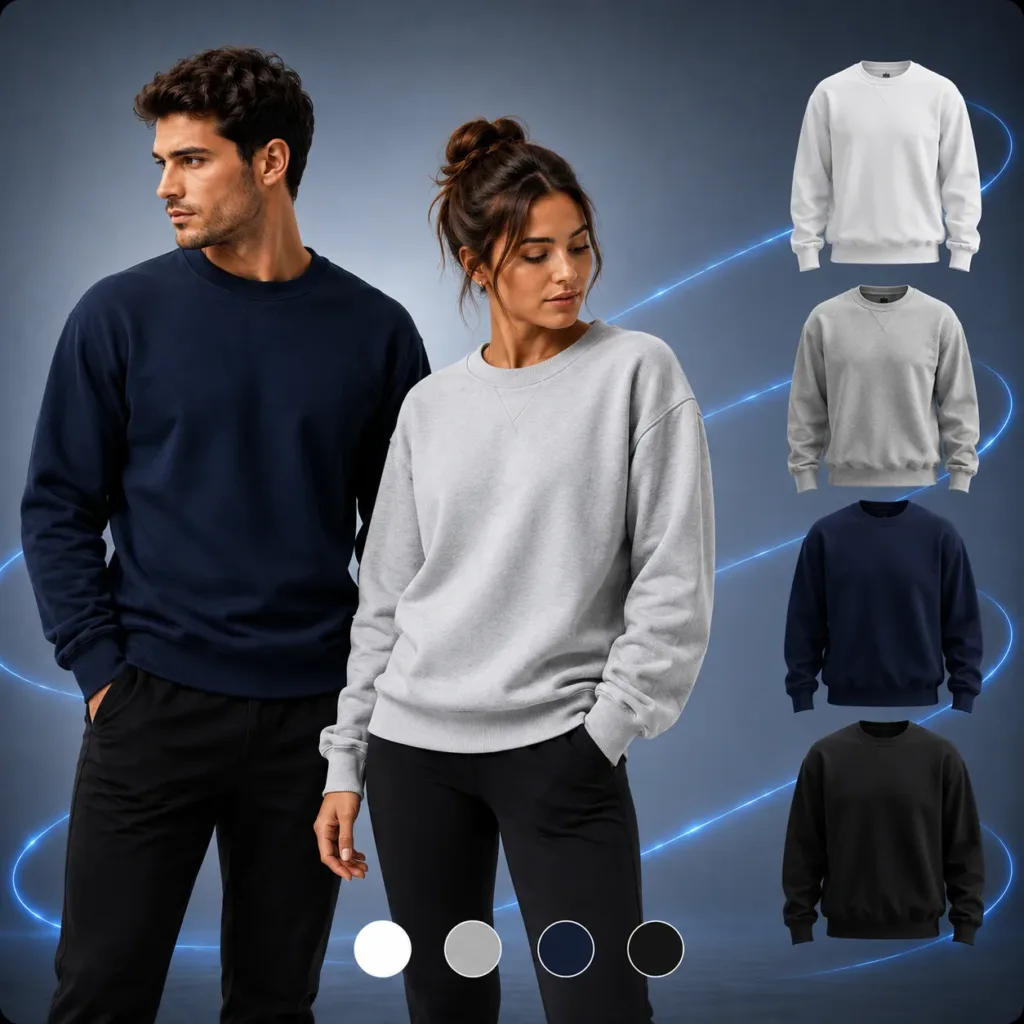
Sweatshirts
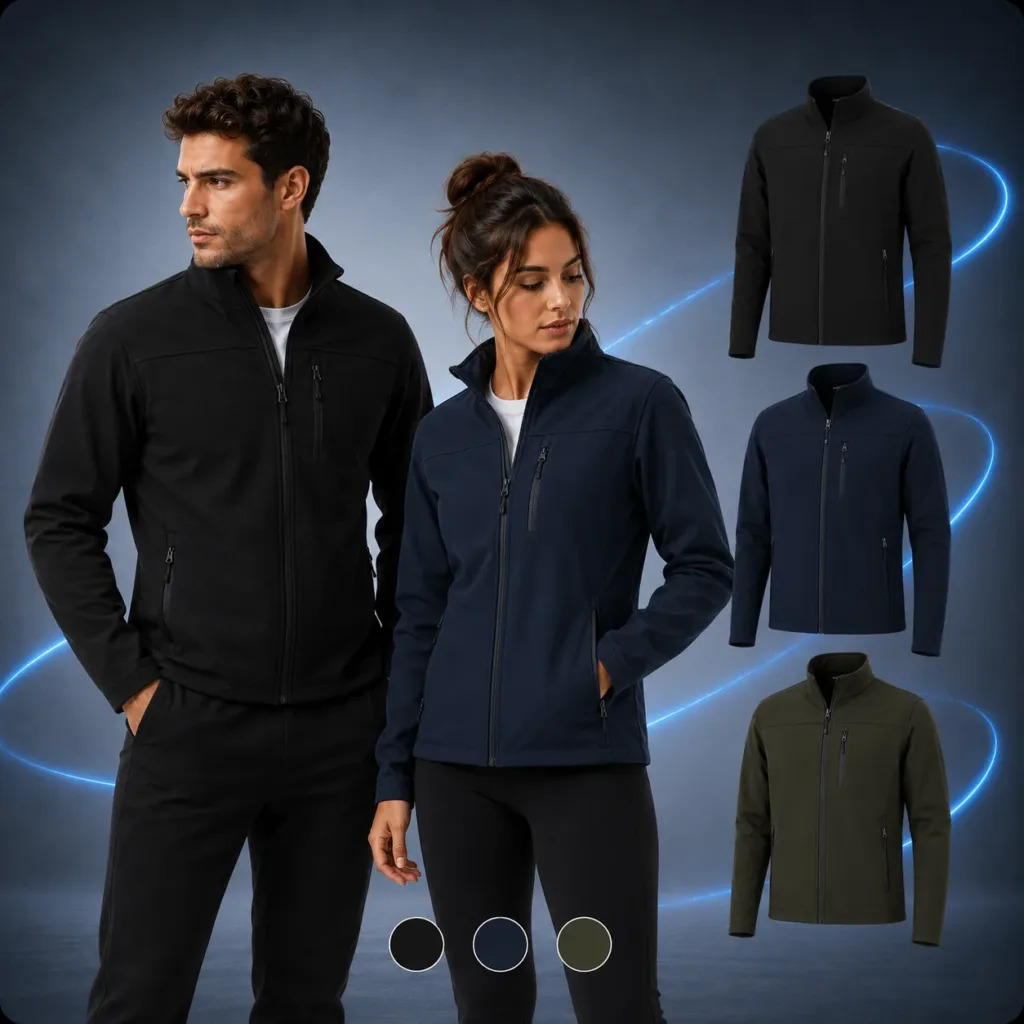
Jackets
Basic clothing (no print)
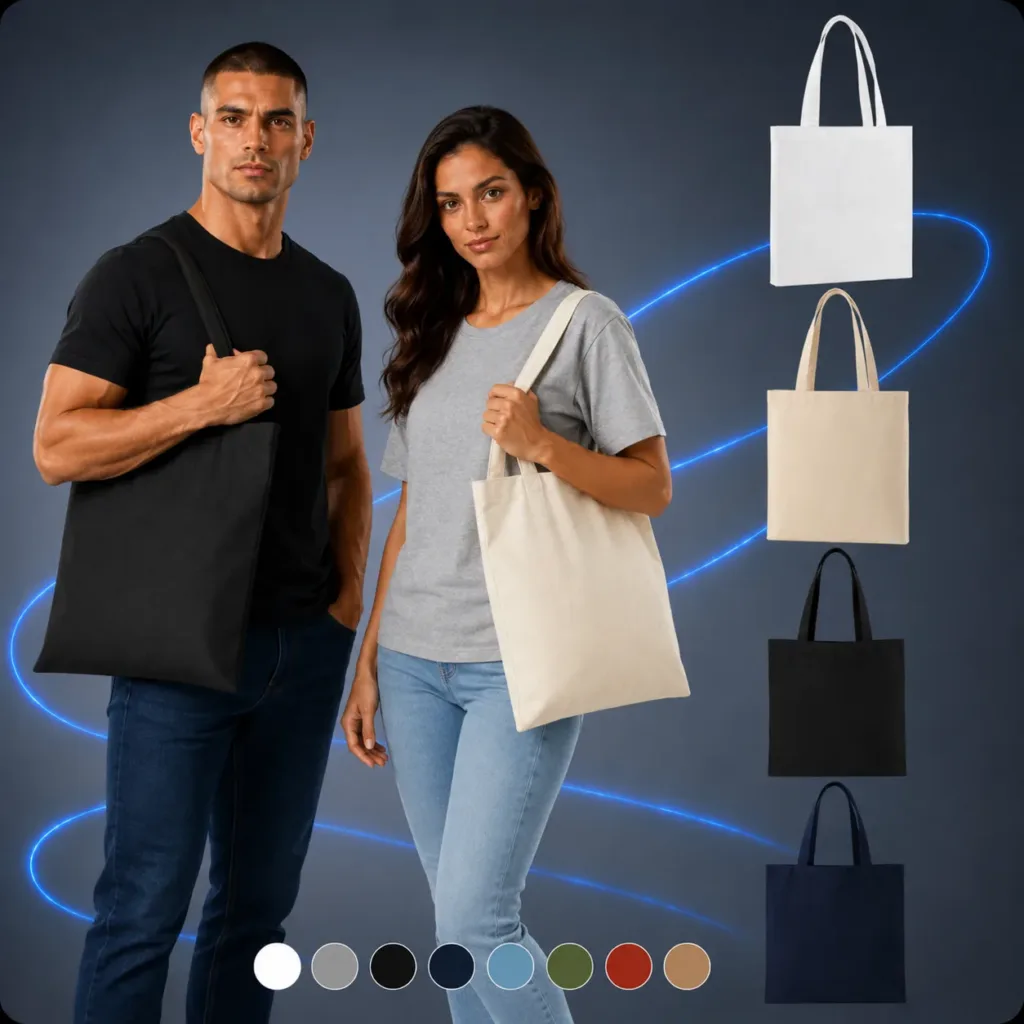
תיקי אל־בד ממותגים
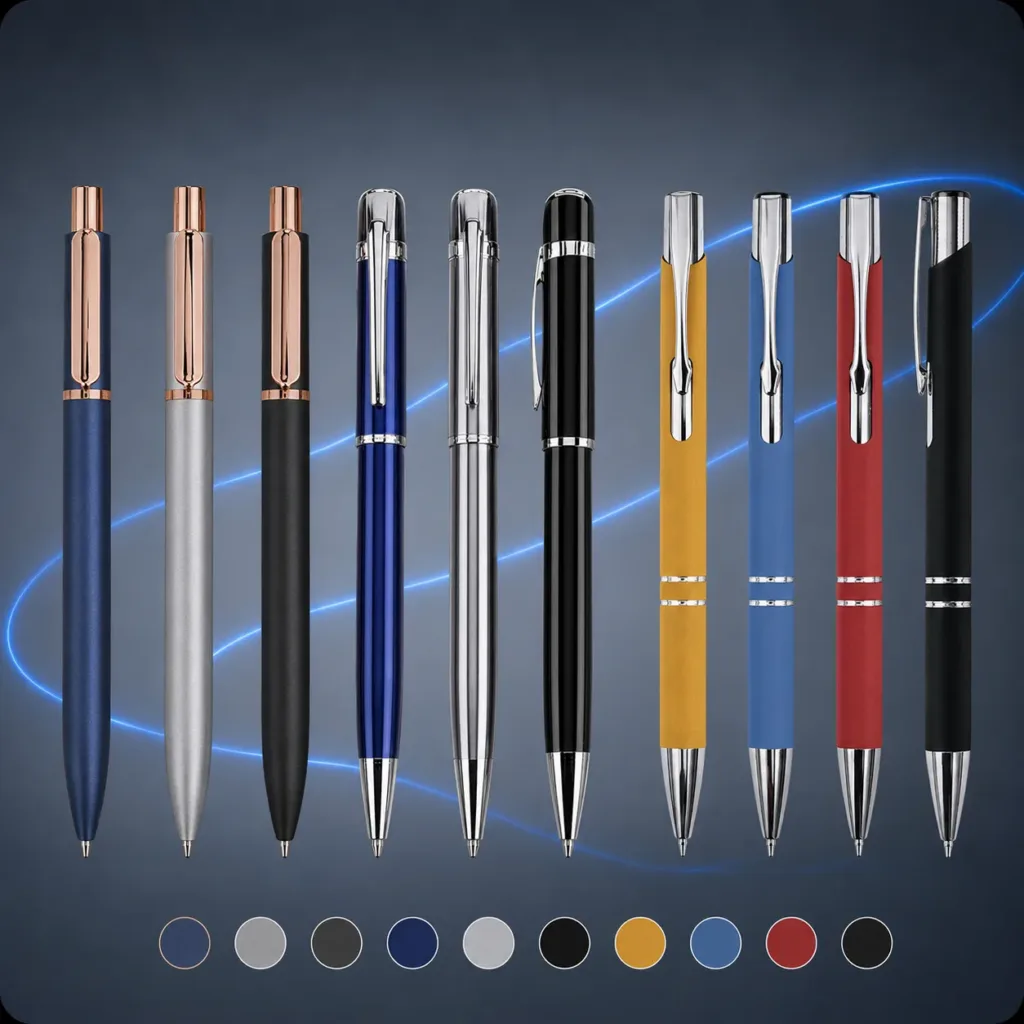
עטי מתכת עם חריטת לייזר
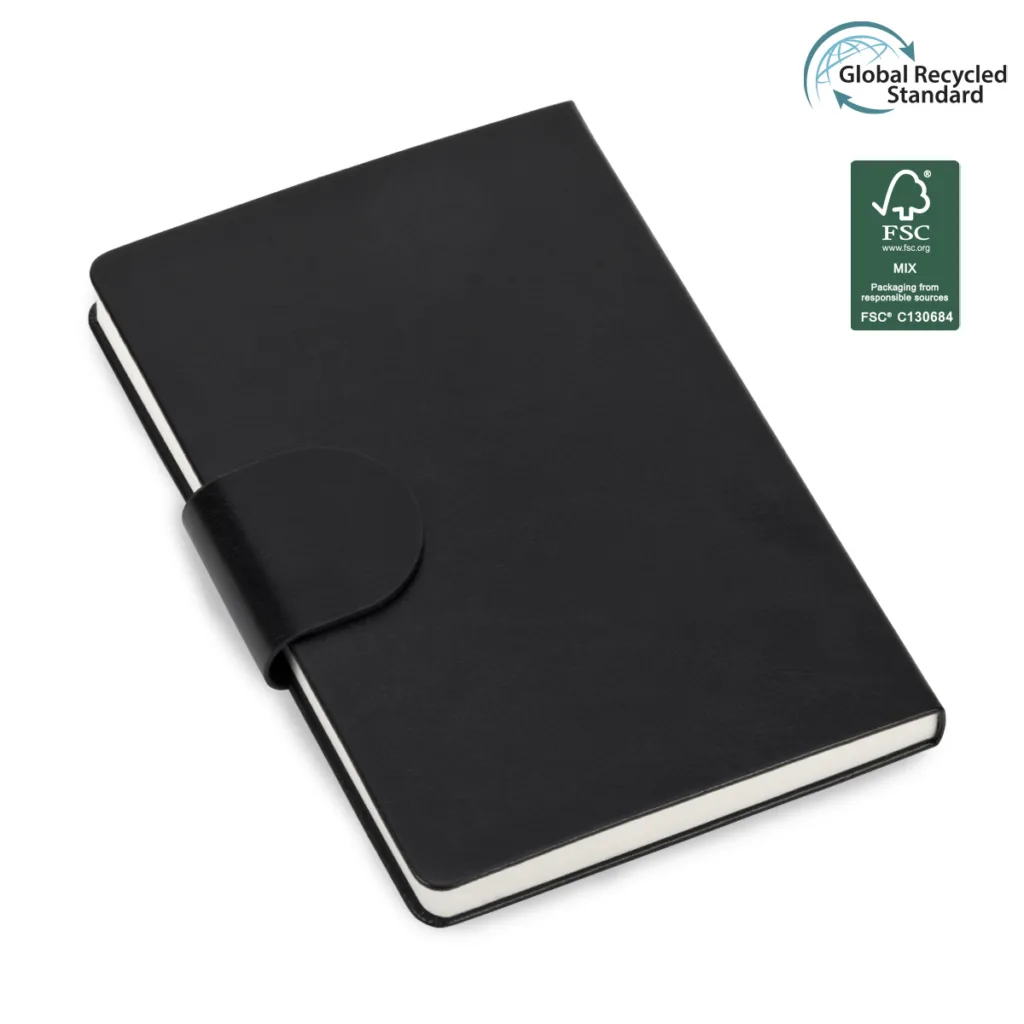
Branded notebooks & journals
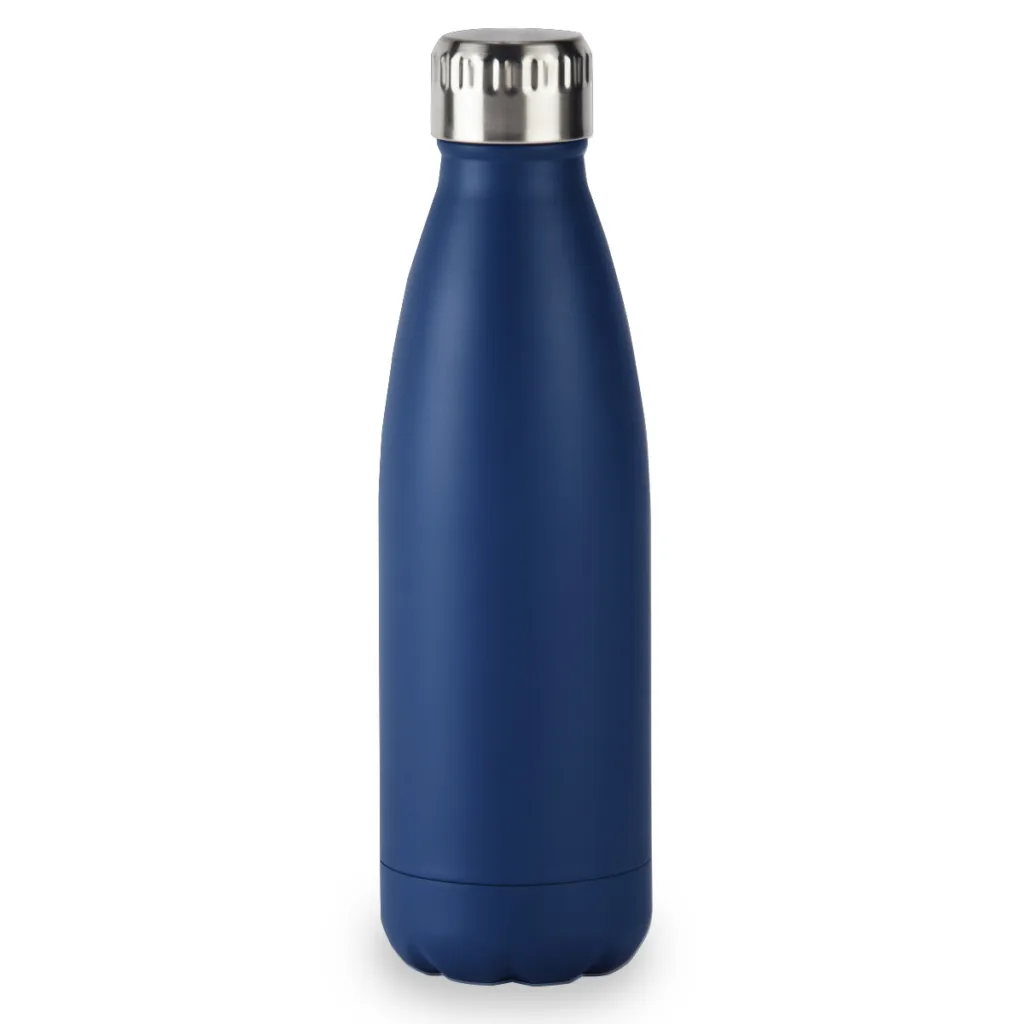
Metal bottles & tumblers
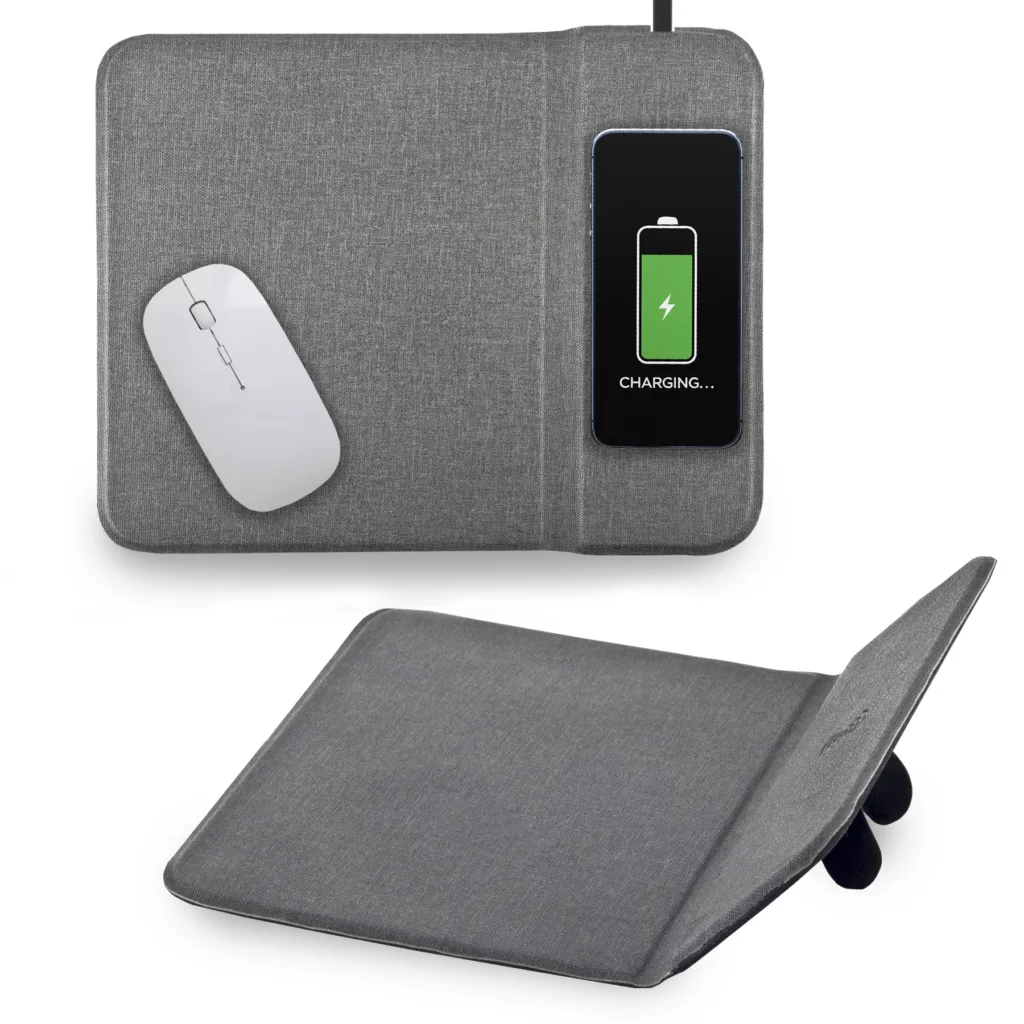
Branded mouse pads
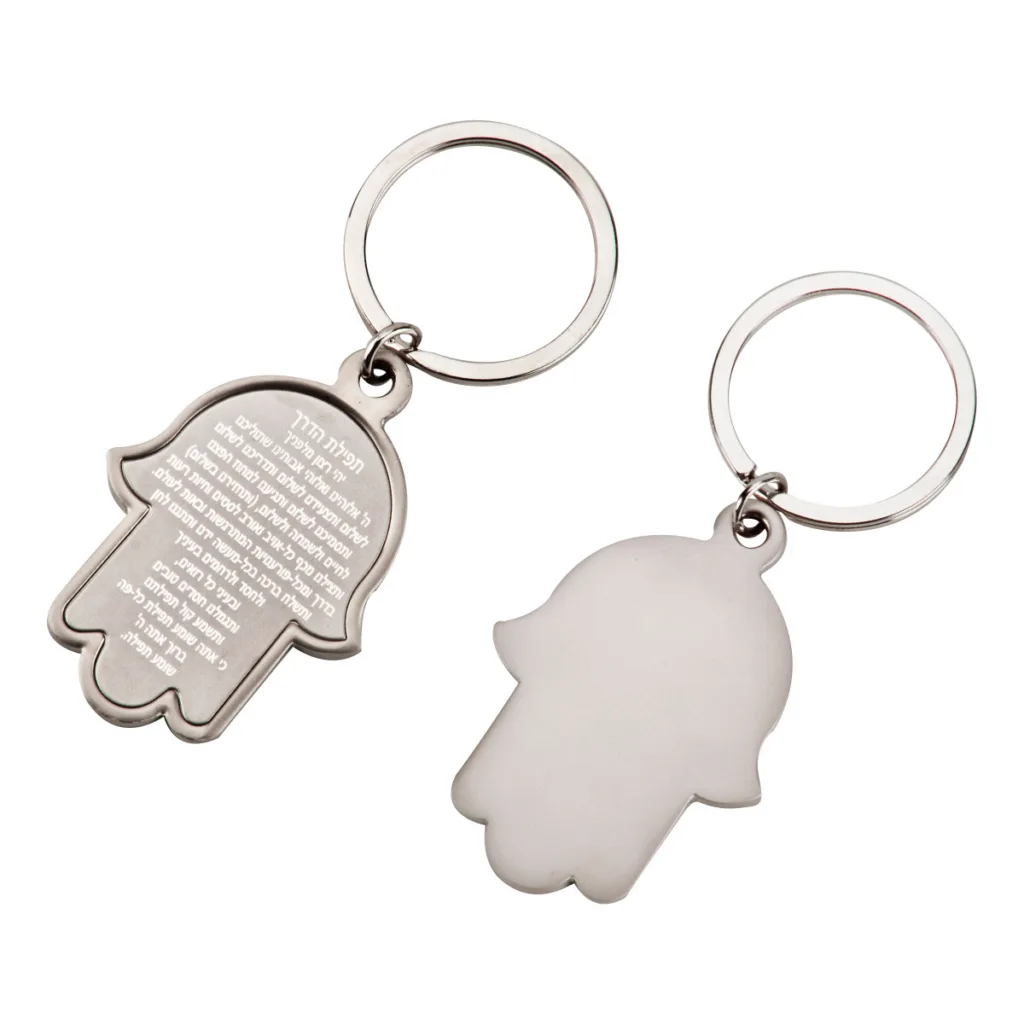
Metal keychains
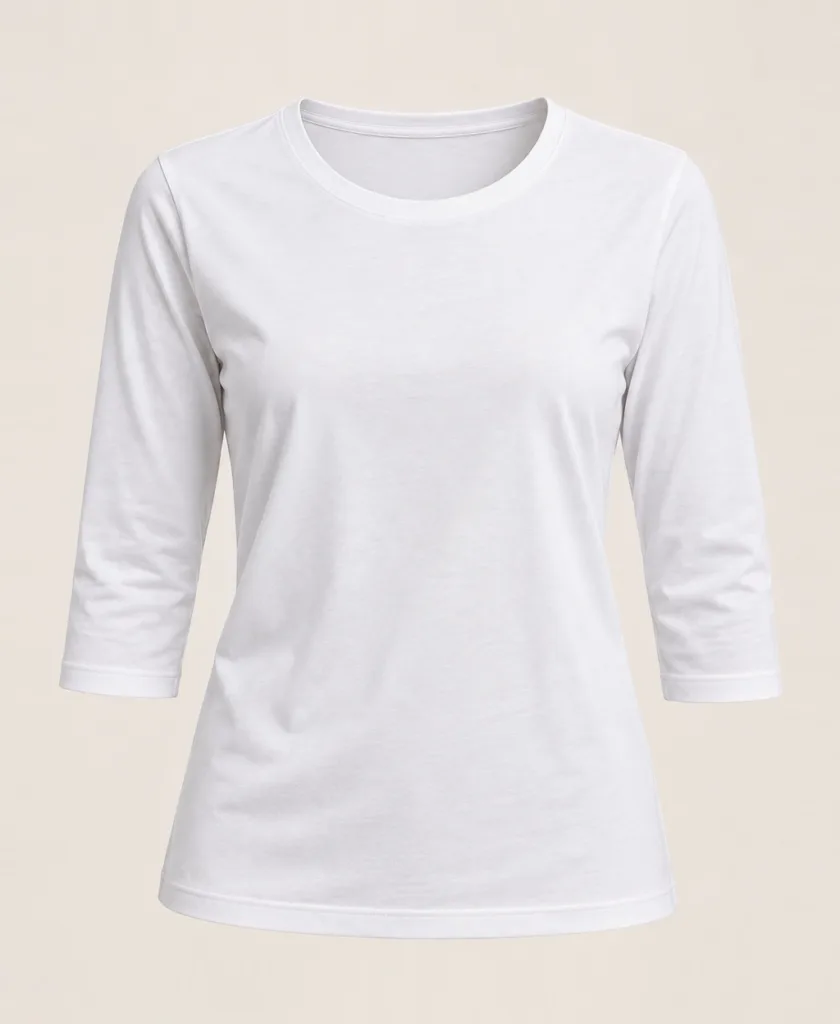
חולצות 3/4

What should you know before ordering?
How do I start an order?
Choose a product, open its page, upload a file to the editor and continue to save the design and add it to cart.
Can I order business quantities?
Yes. ARENA is also built for business orders, teams, schools, events and branded gifts.
What happens after I upload the design?
The design is saved as part of the order details so the team can review the print areas and relevant files.
How do I receive my order?
You can choose courier delivery or self-pickup. Where available, orders can be collected from a locker that is open 24/7.